How to Fix USB Composite Device Driver Error on Windows
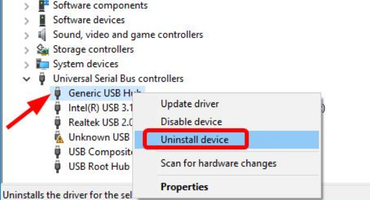
If Device Manager is showing a yellow exclamation mark next to “USB Composite Device,” you’re dealing with a USB Composite...
Solve Windows problems with our comprehensive troubleshooting guides. From fixing blue screen errors and system crashes to optimizing performance and resolving update issues, find clear step-by-step solutions for all Windows versions including Windows 10 and Windows 11.
If Device Manager is showing a yellow exclamation mark next to “USB Composite Device,” you’re dealing with a USB Composite...
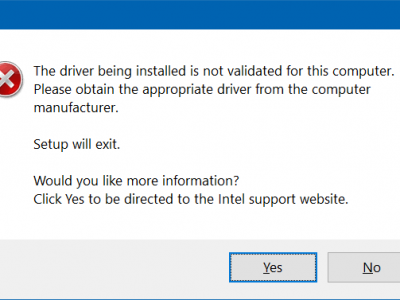
If you’ve been staring at a failed installation screen, you already know how frustrating Intel driver error 999 can be....
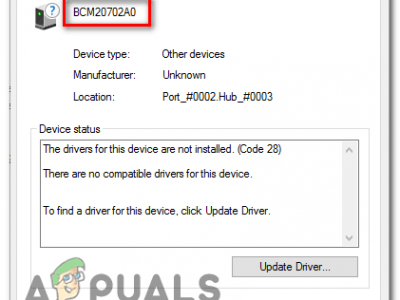
If your Bluetooth icon keeps vanishing, your headphones cut out mid-song, or Device Manager shows a yellow warning triangle next...
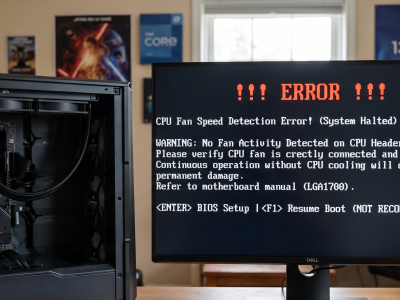
You power on your PC, and instead of booting into Windows, you’re stuck staring at a message about a CPU...
Seeing a CPU fan error pop up when you turn on your computer — or hearing your fan suddenly scream...
If your PC has been randomly crashing, throwing blue screens, or freezing during games and heavy workloads, and you’re running...
Windows update errors and problems show up in a lot of shapes: an update stuck at a certain percentage, a...
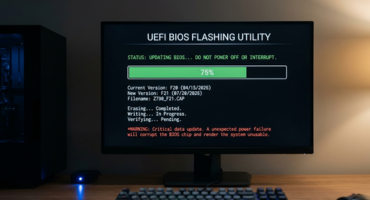
Updating your BIOS sounds intimidating, but manufacturers have made the process much safer than it used to be. If you...
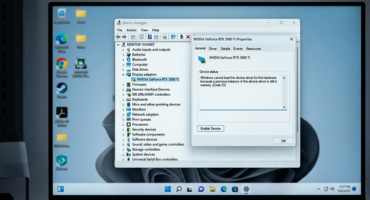
If Device Manager shows “This device is disabled (Code 22)” next to your graphics card, don’t worry — this is...
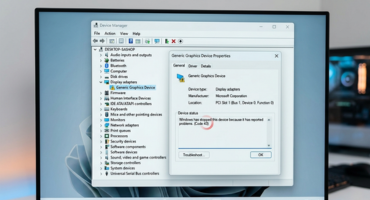
If Device Manager shows “Windows has stopped this device because it has reported problems (Code 43)” on your display adapter,...